YouTube advanced RSS generator with Telegram formation
 Overview The [n8n] YouTube Channel Advanced RSS Feed...
🔌 Nodes & Integrations Used (2)
📖 Implementation & Setup Guide
[](https://youtu.be/EtzJmrmCiUY)
Overview
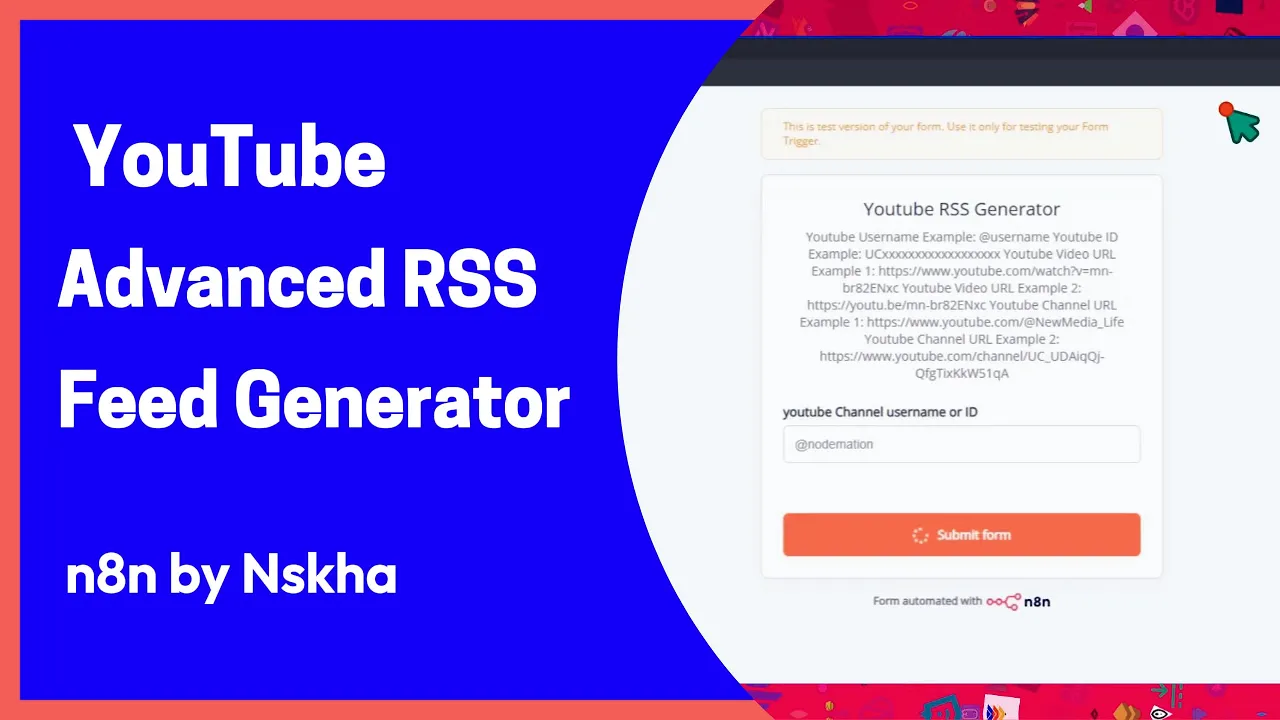
The **[n8n] YouTube Channel Advanced RSS Feeds Generator** workflow facilitates the generation of various RSS feed formats for YouTube channels without requiring API access or administrative permissions. It utilizes third-party services to extract data, making it extremely user-friendly and accessible.
Key Use Cases and Benefits
* **Content Aggregation**: Easily gather and syndicate content from any public YouTube channel. * **No API Key Required**: Avoid the complexities and limitations of Google's API. * **Multiple Formats**: Supports ATOM, JSON, MRSS, Plaintext, Sfeed, and direct YouTube XML feeds. * **Flexibility**: Input can be a YouTube channel or video URL, ID, or username.
Services/APIs Utilized
This workflow integrates with:
* **commentpicker.com**: For retrieving YouTube channel IDs. * **rss-bridge.org**: To generate various RSS formats.
Configuration Instructions
- **Start the Workflow**: Activate the workflow in your n8n instance.
- **Input Details**: Enter the YouTube channel or video URL, ID, or username via the provided form trigger.
- **Run the Workflow**: Execute the workflow to receive links to 13 different RSS feeds, including community and video content feeds.
Screenshots
Additional Notes
* **Customization**: You can modify the RSS feed formats or integrate additional services as needed.
Support and Contributions
For support, questions, or contributions, please visit the [n8n community forum](https://community.n8n.io) or the [GitHub repository](https://github.com/n8n-io/n8n). We welcome contributions from the community!
⚡ How to import this workflow into n8n:
- Click the Direct Download JSON button above to save
YouTube advanced RSS generator with Telegram formation.json. - Log in to your n8n Cloud or self-hosted n8n instance.
- In your workflow canvas, click the menu in top-right and select Import from File (or paste the JSON directly).
- Configure your credentials (e.g. API keys, database URLs) in the corresponding node settings.
- Click Execute Workflow to test and switch to Active!
Related Social Media & Content Workflows
View All in Social Media & Content →AI Auto-Tagging for WordPress Posts
Production-ready n8n automation template for AI Auto-Tagging for WordPress Posts built by AhiXLight. Seamlessly connects Lm Chat Open Ai, Output Parser Autofixing, Output Parser Structured with 32 configured nodes.
AI Auto-Tagging for WordPress Posts
Production-ready n8n automation template for AI Auto-Tagging for WordPress Posts built by AhiXLight. Seamlessly connects Lm Chat Open Ai, Output Parser Autofixing, Output Parser Structured with 32 configured nodes.
AI Image Caption Generator Overlay
Production-ready n8n automation template for AI Image Caption Generator Overlay built by AhiXLight. Seamlessly connects Lm Chat Google Gemini, Output Parser Structured, Edit Image with 16 configured nodes.
AI Image Caption Generator with Overlay
Production-ready n8n automation template for AI Image Caption Generator with Overlay built by AhiXLight. Seamlessly connects Lm Chat Google Gemini, Output Parser Structured, Edit Image with 16 configured nodes.