Ai agent to chat with files in Supabase Storage and Google Drive
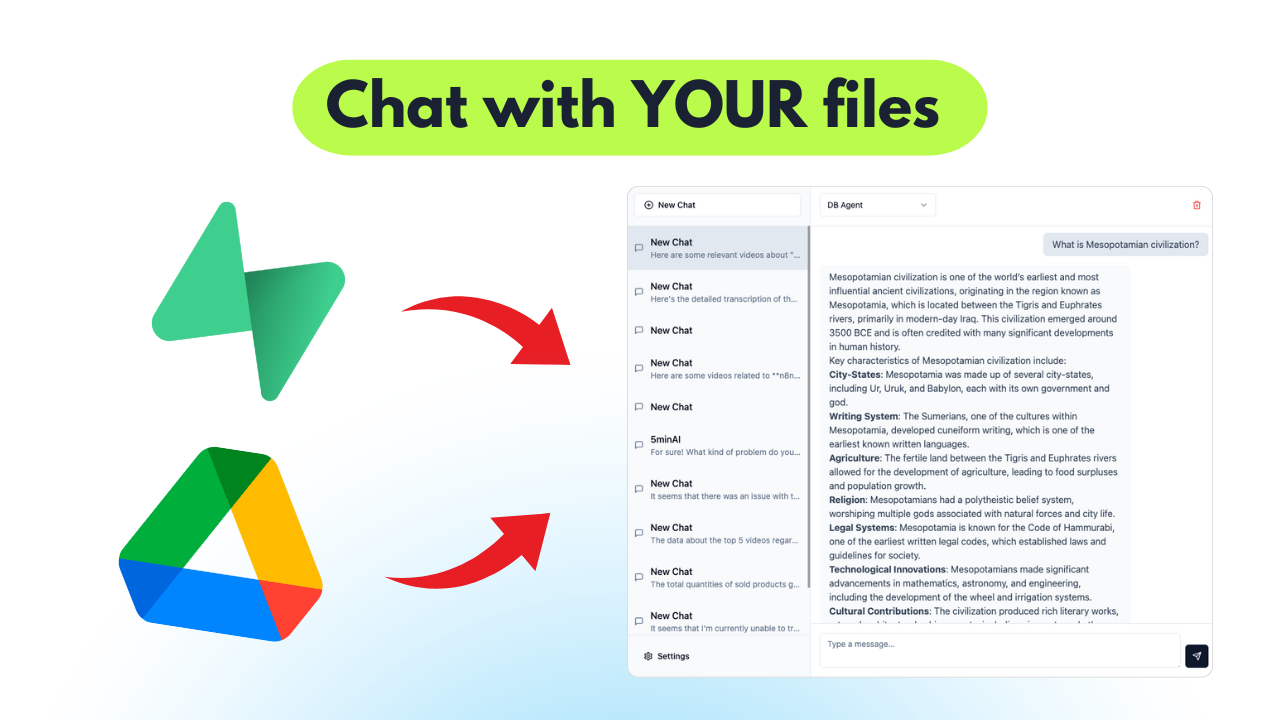
Video Guide I prepared a detailed guide that illustrates the entire process of building an AI agent using Supabase and Google Drive within N8N workflows. ![Y...
🔌 Nodes & Integrations Used (12)
📖 Implementation & Setup Guide
Video Guide
I prepared a detailed guide that illustrates the entire process of building an AI agent using Supabase and Google Drive within N8N workflows.
[](https://youtu.be/NB6LhvObiL4)
[Youtube Link](https://youtu.be/NB6LhvObiL4)
Who is this for? This workflow is designed for developers, data scientists, and business users who wish to automate document management and enable AI-powered interactions over their stored files. It's especially beneficial for scenarios where users need to process, analyze, and retrieve information from uploaded documents rapidly.
What problem does this workflow solve? Managing files across multiple platforms often involves tedious manual processes. This workflow facilitates automated file handling, making it easier for users to upload, parse, and interact with documents through an AI agent. It reduces redundancy and enhances the efficiency of data retrieval and management tasks.
What this workflow does This workflow integrates Supabase storage with Google Drive and employs an AI agent to manage files effectively. The agent can: - Upload files to Supabase storage and activate processes based on file changes in Google Drive. - Retrieve and parse documents, converting them into a structured format for easy querying. - Utilize an AI agent to answer user queries based on saved document data.
- **Data Collection**: The workflow initially gathers files from Supabase storage, ensuring no duplicates are processed in the 'files' table.
- **File Handling**: It processes files to be parsed based on their type, leveraging LlamaParse for effective data transformation.
- **Google Drive Integration**: The workflow monitors a designated Google Drive folder to upload files automatically and refresh document records in the database with new data.
- **AI Interaction**: A webhook is established to enable the AI agent to converse with users, facilitating queries and leveraging stored document knowledge.
Setup
- **Supabase Storage Setup**:
- - Create a private bucket in Supabase storage, modifying the default name in the URL.
- - Upload your files using the provided upload options.
2. **Database Configuration**: - Establish the 'file' and 'document' tables in Supabase with the necessary fields. - Execute any required SQL queries for enabling vector matching features.
3. **N8N Workflow Logic**: - Start with a manual trigger for the initial workflow segment or consider alternative triggers like webhooks. - Replace all relevant credentials across nodes with your own to ensure seamless operation.
4. **File Processing and Google Drive Monitoring**: - Set up file processing to take care of downloading and parsing files based on their types. - Create triggers to monitor the designated Google Drive folder for file uploads and updates.
5. **Integrate AI Agent**: - Configure the webhook for the AI agent to accept chat inputs while maintaining session context for enhanced user interactions. - Utilize PostgreSQL to store user interactions and manage conversation states effectively.
6. **Testing and Adjustments**: - Once everything is set up, run tests with the AI agent to validate its responses based on the documents in your database. - Fine-tune the workflow and AI model as needed to achieve desired performance.
⚡ How to import this workflow into n8n:
- Click the Direct Download JSON button above to save
Ai_agent_to_chat_with_files_in_Supabase_Storage_and_Google_Drive.json. - Log in to your n8n Cloud or self-hosted n8n instance.
- In your workflow canvas, click the menu in top-right and select Import from File (or paste the JSON directly).
- Configure your credentials (e.g. API keys, database URLs) in the corresponding node settings.
- Click Execute Workflow to test and switch to Active!
Related AI Agents Workflows
View All in AI Agents →5 ways to process images PDFs with Gemini AI in n8n
How it works Many users have asked in the support forum about different methods to analyze images and PDF documents with Google Gemini AI in n8n. This workfl...
7 AI Sales Assistant
Production-ready n8n automation template for 7 AI Sales Assistant built by AhiXLight. Seamlessly connects Airtop Tool, Slack, Airtop with 24 configured nodes.
AAVE portfolio professional AI agent Telegram Email GPT 4o
A next-generation AI-powered DeFi health monitor that tracks wallet positions across Aave V3 using GPT-4o and LangChain. It delivers human-readable reports v...
Access control for AI agents RBAC using Airtable and Telegram
Purpose This workflow allows granular control over the access to tools connected to AI Agents (including Multi-Agent setups) using Role Based Access Control....