Notion AI assistant generator
This n8n workflow template lets teams easily generate a custom AI chat assistant based on the schema of any Notion database. Simply provide the Notion databa...
🔌 Nodes & Integrations Used (7)
📖 Implementation & Setup Guide
This n8n workflow template lets teams easily generate a custom AI chat assistant based on the schema of any Notion database. Simply provide the Notion database URL, and the workflow downloads the schema and creates a tailored AI assistant designed to interact with that specific database structure.
Set Up Watch this quick set up video 👇 [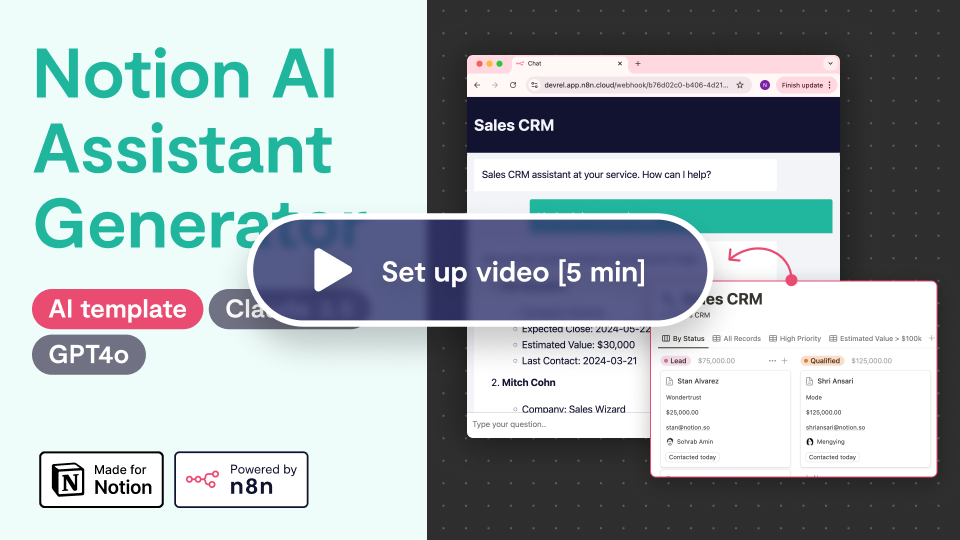](https://youtu.be/iK87ppcaNgM)
Key Features - **Instant Assistant Generation**: Enter a Notion database URL, and the workflow produces an AI assistant configured to the database schema. - **Advanced Querying**: The assistant performs flexible queries, filtering records by multiple fields (e.g., tags, names). It can also search inside Notion pages to pull relevant content from specific blocks. - **Schema Awareness**: Understands and interacts with various Notion column types like text, dates, and tags for accurate responses. - **Reference Links**: Each query returns direct links to the exact Notion pages that inform the assistant’s response, promoting transparency and easy access. - **Self-Validation**: The workflow has logic to check the generated assistant, and if any errors are detected, it reruns the agent to fix them.
Ideal for - **Product Managers**: Easily access and query product data across Notion databases. - **Support Teams**: Quickly search through knowledge bases for precise information to enhance support accuracy. - **Operations Teams**: Streamline access to HR, finance, or logistics data for fast, efficient retrieval. - **Data Teams**: Automate large dataset queries across multiple properties and records.
How It Works This AI assistant leverages two HTTP request tools—one for querying the Notion database and another for retrieving data within individual pages. It’s powered by the Anthropic LLM (or can be swapped for GPT-4) and always provides reference links for added transparency.
⚡ How to import this workflow into n8n:
- Click the Direct Download JSON button above to save
Notion AI assistant generator.json. - Log in to your n8n Cloud or self-hosted n8n instance.
- In your workflow canvas, click the menu in top-right and select Import from File (or paste the JSON directly).
- Configure your credentials (e.g. API keys, database URLs) in the corresponding node settings.
- Click Execute Workflow to test and switch to Active!
Related AI Agents Workflows
View All in AI Agents →5 ways to process images PDFs with Gemini AI in n8n
How it works Many users have asked in the support forum about different methods to analyze images and PDF documents with Google Gemini AI in n8n. This workfl...
7 AI Sales Assistant
Production-ready n8n automation template for 7 AI Sales Assistant built by AhiXLight. Seamlessly connects Airtop Tool, Slack, Airtop with 24 configured nodes.
AAVE portfolio professional AI agent Telegram Email GPT 4o
A next-generation AI-powered DeFi health monitor that tracks wallet positions across Aave V3 using GPT-4o and LangChain. It delivers human-readable reports v...
Access control for AI agents RBAC using Airtable and Telegram
Purpose This workflow allows granular control over the access to tools connected to AI Agents (including Multi-Agent setups) using Role Based Access Control....