Document Q A chatbot with Gemini AI and Supabase vector search f
This template creates a Telegram AI Assistant that answers questions based on your documents, powered by Google Gemini and Supabase. Key features include Int...
🔌 Nodes & Integrations Used (12)
📖 Implementation & Setup Guide
This template creates a Telegram AI Assistant that answers questions based on your documents, powered by Google Gemini and Supabase. Key features include **Intelligent HTML Post-processing** for **rich formatting in Telegram** and **Adaptive Message Chunking** to handle long text responses. ## 📹 Watch the Bot in Action
[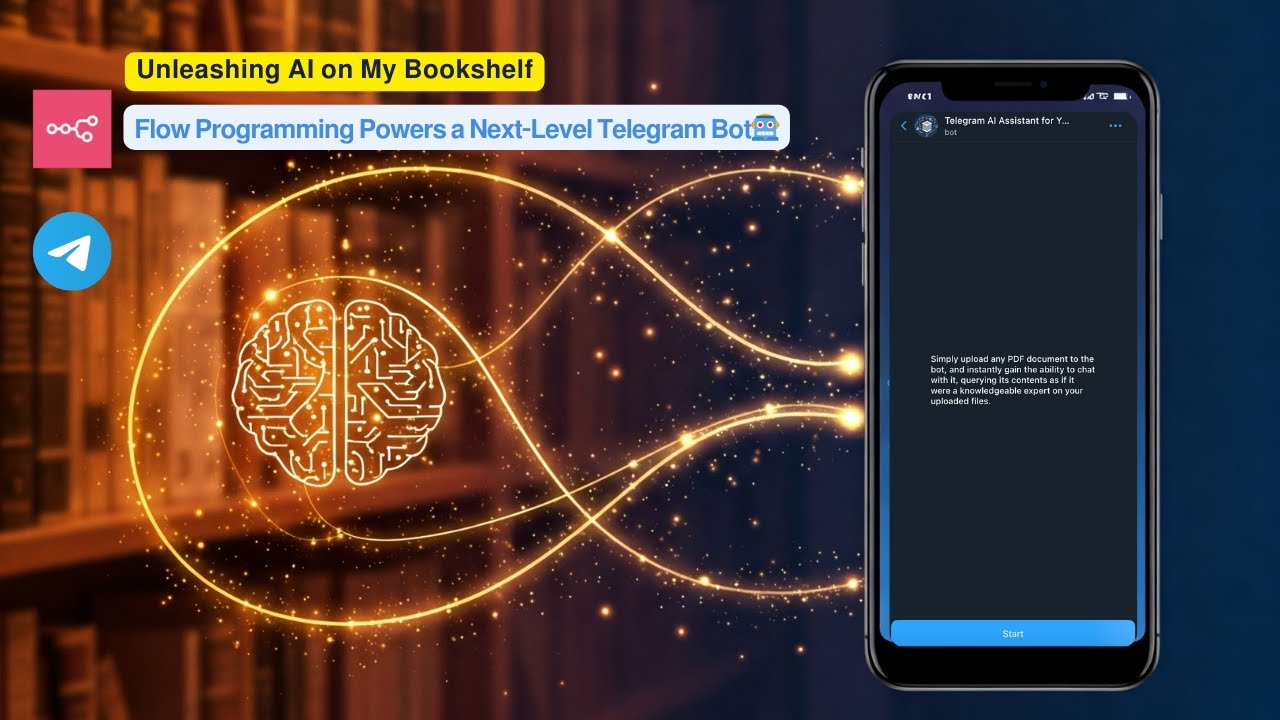](https://www.youtube.com/watch?v=r_KGyJApy5M)
**▶️ Click the image above to watch a live demo on YouTube.**
This video provides a live demonstration of the bot's core features and how it interacts. See a quick walkthrough of its capabilities and user flow.
**How it works:**
* User uploads a PDF document to a Telegram bot.
* The workflow processes the PDF, creates embeddings using Google Gemini, and stores these embeddings in a **Supabase vector table**.
* Users then ask questions to the bot.
* The workflow performs a **vector search in Supabase** to find relevant document chunks based on the user's query.
* Google Gemini uses the retrieved relevant chunks to generate an intelligent answer.
* The bot sends the formatted answer back to the user on Telegram, utilizing **HTML markup** for enhanced presentation.
**Set up steps:**
Setup should take approximately 15-20 minutes.
- Import the workflow into your n8n instance.
2. Configure credentials for Telegram, Google Gemini, and Supabase.
3. Set up your Supabase vector table using the provided SQL script.
4. Activate the workflow.
Detailed setup instructions, including how to get API keys and configure nodes, are available in the sticky notes within the workflow itself.
⚡ How to import this workflow into n8n:
- Click the Direct Download JSON button above to save
Document_Q_A_chatbot_with_Gemini_AI_and_Supabase_vector_search_f.json. - Log in to your n8n Cloud or self-hosted n8n instance.
- In your workflow canvas, click the menu in top-right and select Import from File (or paste the JSON directly).
- Configure your credentials (e.g. API keys, database URLs) in the corresponding node settings.
- Click Execute Workflow to test and switch to Active!
Related AI Agents Workflows
View All in AI Agents →5 ways to process images PDFs with Gemini AI in n8n
How it works Many users have asked in the support forum about different methods to analyze images and PDF documents with Google Gemini AI in n8n. This workfl...
7 AI Sales Assistant
Production-ready n8n automation template for 7 AI Sales Assistant built by AhiXLight. Seamlessly connects Airtop Tool, Slack, Airtop with 24 configured nodes.
AAVE portfolio professional AI agent Telegram Email GPT 4o
A next-generation AI-powered DeFi health monitor that tracks wallet positions across Aave V3 using GPT-4o and LangChain. It delivers human-readable reports v...
Access control for AI agents RBAC using Airtable and Telegram
Purpose This workflow allows granular control over the access to tools connected to AI Agents (including Multi-Agent setups) using Role Based Access Control....