Cv screening with OpenAI
Video Guide I prepared a detailed guide that showed the whole process of building a resume analyzer.  Who is thi...
🔌 Nodes & Integrations Used (2)
📖 Implementation & Setup Guide
Video Guide
I prepared a detailed guide that showed the whole process of building a resume analyzer.
[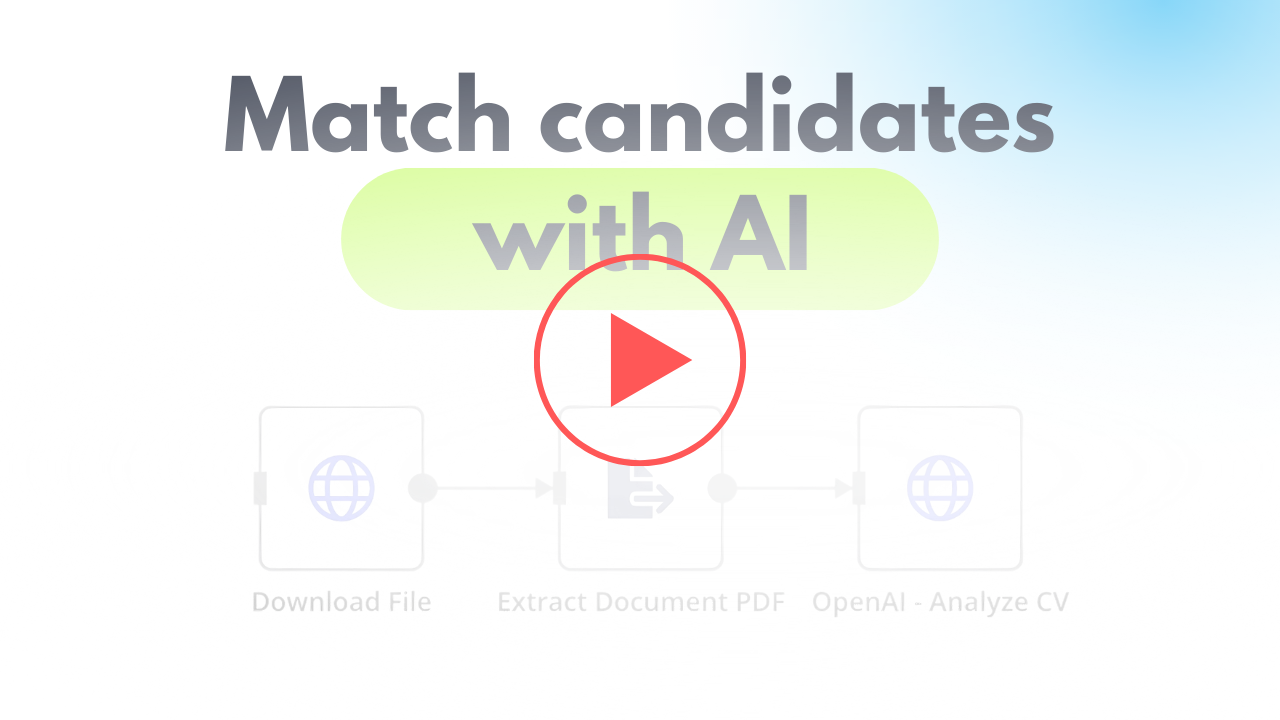](https://youtu.be/TWuI3dOcn0E)
Who is this for? This workflow is ideal for recruitment agencies, HR professionals, and hiring managers looking to automate the initial screening of CVs. It is especially useful for organizations handling large volumes of applications and seeking to streamline their recruitment process.
What problem does this workflow solve? Manually screening resumes is time-consuming and prone to human error. This workflow automates the process, providing consistent and objective analysis of CVs against job descriptions. It helps filter out unsuitable candidates early, reducing workload and improving the overall efficiency of the recruitment process.
What this workflow does This workflow automates the resume screening process using OpenAI for analysis. It provides a matching score, a summary of candidate suitability, and key insights into why the candidate fits (or doesn’t fit) the job.
- **Retrieve Resume**: The workflow downloads CVs from a direct link (e.g., Supabase storage or Dropbox).
- **Extract Data**: Extracts text data from PDF or DOC files for analysis.
- **Analyze with OpenAI**: Sends the extracted data and job description to OpenAI to:
- - Generate a matching score.
- - Summarize candidate strengths and weaknesses.
- - Provide actionable insights into their suitability for the job.
Setup
#### Preparation 1. **Create Accounts**: - [N8N](https://n8n.partnerlinks.io/2hr10zpkki6a): For workflow automation. - [OpenAI](https://openai.com/): For AI-powered CV analysis. 2. **Get CV Link**: - Upload CV files to Supabase storage or Dropbox to generate a direct link for processing. 3. **Prepare Artifacts for OpenAI**: - **Define Metrics**: Identify the metrics you want from the analysis (e.g., matching percentage, strengths, weaknesses). - **Generate JSON Schema**: Use OpenAI to structure responses, ensuring compatibility with your database. - **Write a Prompt**: Provide OpenAI with a clear and detailed prompt to ensure accurate analysis.
#### N8N Scenario 1. **Download File**: Fetch the CV using its direct URL. 2. **Extract Data**: Use N8N’s PDF or text extraction nodes to retrieve text from the CV. 3. **Send to OpenAI**: - **URL**: POST to OpenAI’s API for analysis. - **Parameters**: - Include the extracted CV data and job description. - Use JSON Schema to structure the response.
Summary This workflow provides a seamless, automated solution for CV screening, helping recruitment agencies and HR teams save time while maintaining consistency in candidate evaluation. It enables organizations to focus on the most suitable candidates, improving the overall hiring process.
⚡ How to import this workflow into n8n:
- Click the Direct Download JSON button above to save
Cv screening with OpenAI.json. - Log in to your n8n Cloud or self-hosted n8n instance.
- In your workflow canvas, click the menu in top-right and select Import from File (or paste the JSON directly).
- Configure your credentials (e.g. API keys, database URLs) in the corresponding node settings.
- Click Execute Workflow to test and switch to Active!
Related HR & Recruitment Workflows
View All in HR & Recruitment →AI Resume Screening with Multimodal LLM
Production-ready n8n automation template for AI Resume Screening with Multimodal LLM built by AhiXLight. Seamlessly connects Output Parser Structured, Google Drive, HTTP Request with 13 configured nodes.
AI-Powered HR CV Processing Evaluation
Production-ready n8n automation template for AI-Powered HR CV Processing Evaluation built by AhiXLight. Seamlessly connects Form Trigger, Extract From File, Information Extractor with 18 configured nodes.
AI-Powered HR CV Processing Evaluation
Production-ready n8n automation template for AI-Powered HR CV Processing Evaluation built by AhiXLight. Seamlessly connects Form Trigger, Extract From File, Information Extractor with 18 configured nodes.
AI-Powered Job Application Automation
Production-ready n8n automation template for AI-Powered Job Application Automation built by AhiXLight. Seamlessly connects Extract From File, Lm Chat Open Ai, Output Parser Structured with 23 configured nodes.